







AGENTIC WORKFLOWS
Give your agents and apps the power to create and edit images.
Generate, edit, and deliver finished images through one managed workflow.Reading the light and color in the mountain photo


The unified interface for image models
DreamLayer routes each creative task to the right image models through one API, CLI, or MCP connection.
curl https://api.dreamlayer.io/v1/execute -H "Authorization: Bearer $DREAMLAYER_API_KEY" -d '{"prompt":"A glass greenhouse at dusk"}'Compatible with
WHY DREAMLAYER
ChatGPT and Gemini can handle many kinds of work, but image models have different strengths. DreamLayer directs each request to the model suited to the task.

USE CASES
Generate, edit, and deliver images through one integration for agent workflows, photo editing, social media content, game development, and more.
AGENTIC WORKFLOWS
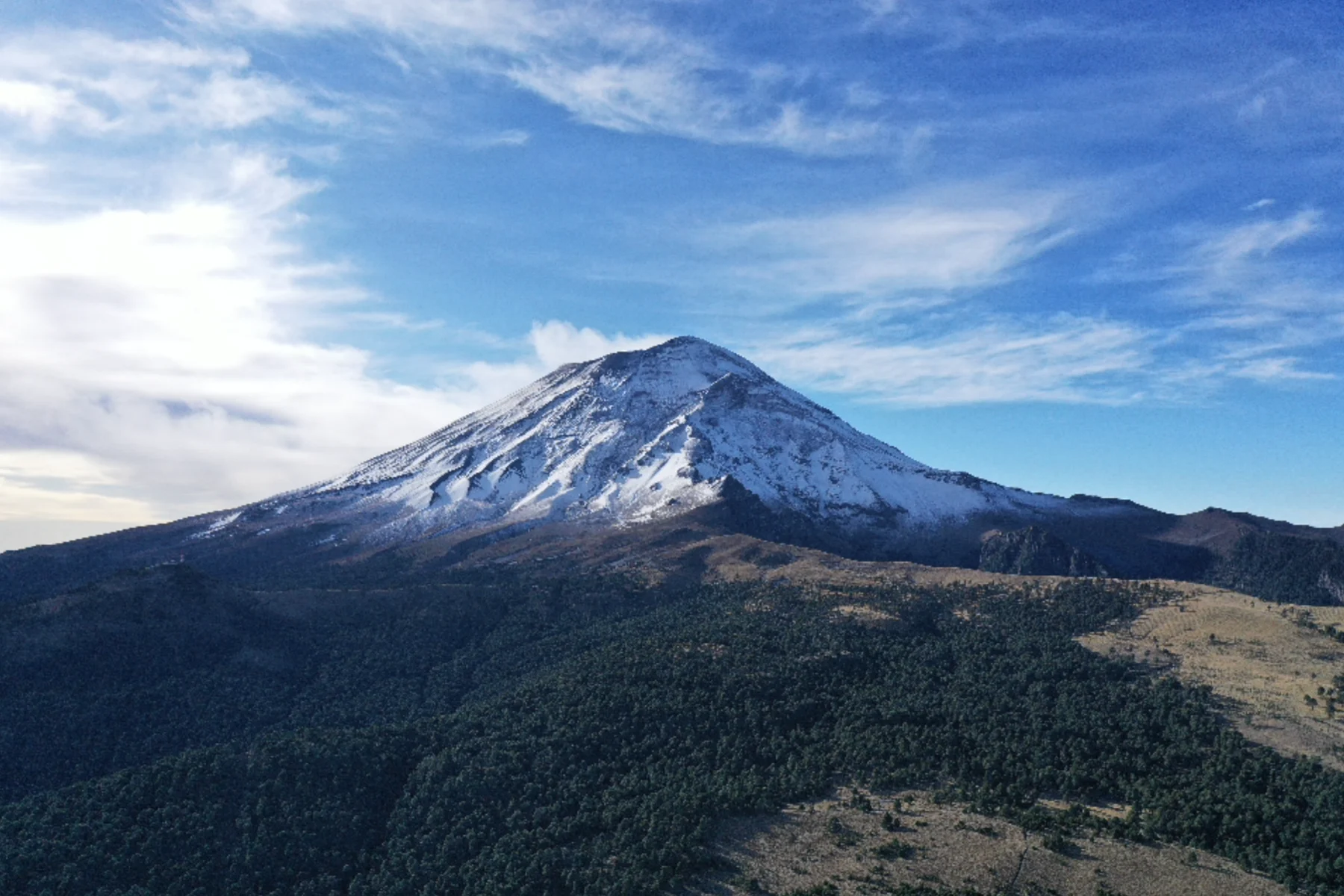
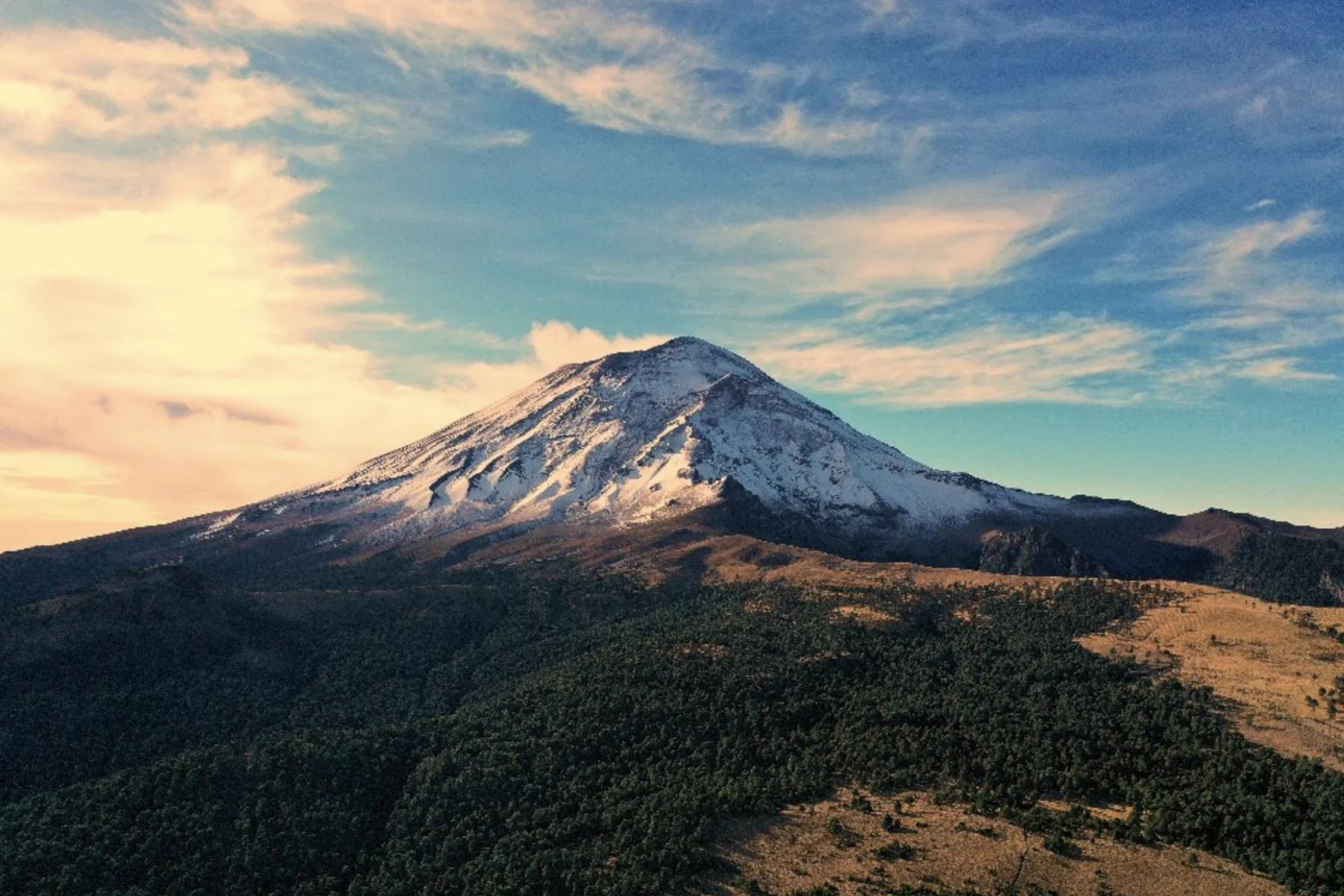
Reading the light and color in the mountain photo


PHOTO EDITING
BeforeAfterCREDIT TO tscreationz__MG_209604.CR2GAME SPRITES

Turn a brief into campaign-ready images.
Generate and refine visual hooks at speed.
Keep one visual direction across a sequence.
Turn one idea into a family of assets.
Apply one precise direction across a set.
Image Model Playground
Generate a new image or edit a reference, then receive the finished asset through the same integration.
FAQ
See API, CLI and MCP pricing for credit costs. DreamLayer is currently in beta. If you encounter an issue, contact mackenzie@dreamlayer.io.
DreamLayer Agent is a hosted image service for products and AI agents. It turns prompts or reference images into finished assets through the DreamLayer Agent API, DreamLayer CLI, or Image Agent MCP Server.
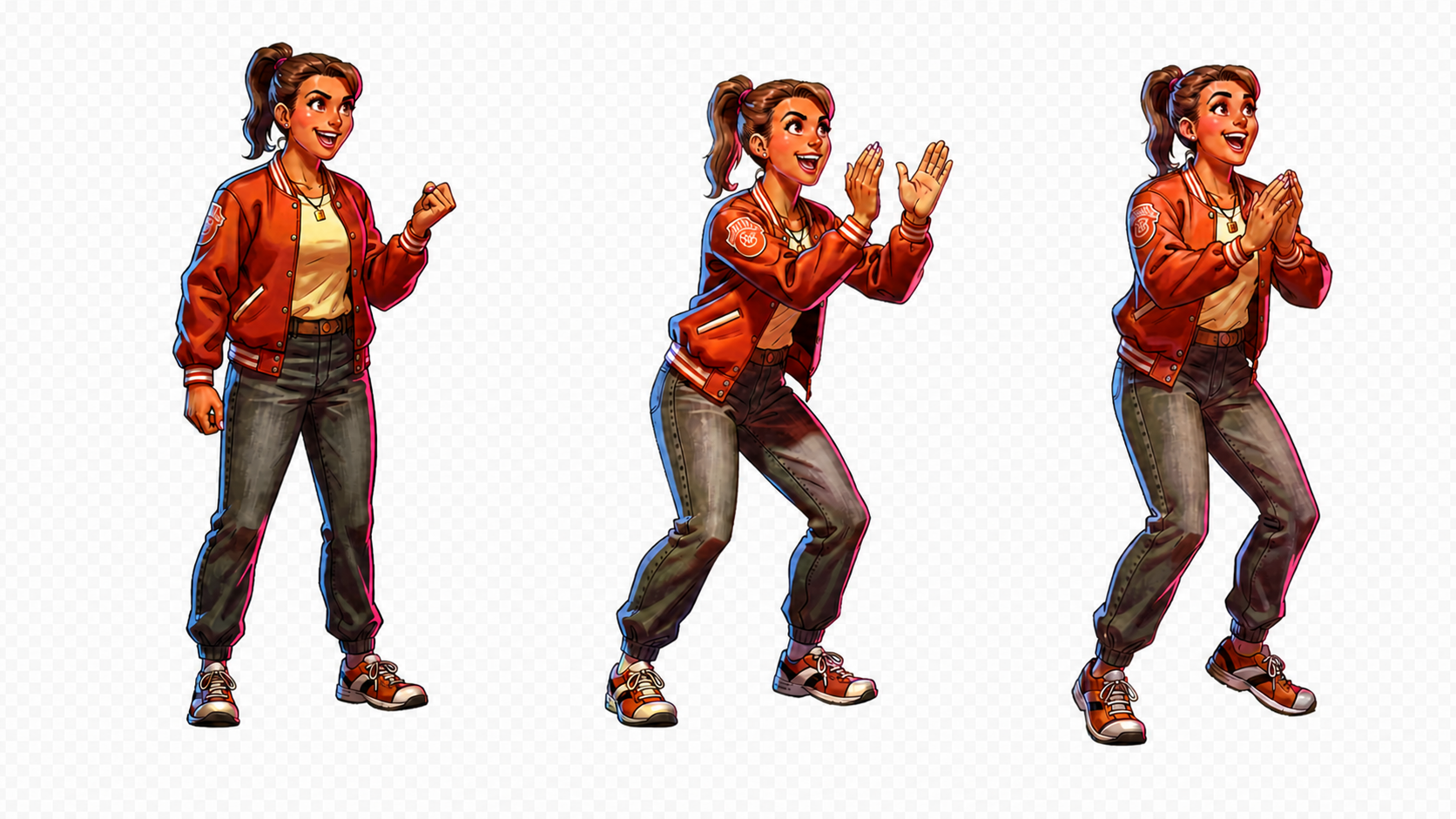
DreamLayer Agent supports text-to-image, one-reference image-to-image, background removal, and 2× upscale in V1. You can select an operation directly or describe the result in plain language. Selected beta accounts can also create walk, run, and idle sprite sheets with a named operation and action. Check API capabilities for availability and pricing.
The DreamLayer Agent API, DreamLayer CLI, and Image Agent MCP Server are three interfaces to the same hosted service. They use the same API key, request history, and credit balance.
DreamLayer is built for teams that want finished image operations through one managed contract across API, CLI, and MCP. OpenRouter focuses on access to a broad catalog of AI models, while fal focuses on generative-media model APIs and deployment infrastructure. Choose DreamLayer when you want to generate and edit images without integrating and maintaining each model yourself.
Yes. Upload one reference image and use image-to-image to describe the change. The same reference flow also supports background removal and upscale.
Yes. Upload one product photo and ask for a new background, a cleaner scene, or a transparent cutout, then request further variations in the same conversation. Product details can drift during a generative edit, so review each result before you publish it.
DreamLayer accepts PNG, JPEG, WebP, and supported camera RAW files as reference images for editing, background removal, and upscale.
DreamLayer charges one credit for each finished image. A live request reserves one credit, and DreamLayer restores it if the request fails or is cancelled without delivering the expected image.
DreamLayer requests continue after a dropped connection and can resume from the last received event. Failed or cancelled requests that deliver no expected image restore the reserved credit.
Yes. DreamLayer supports persistent image conversations. Save the conversation ID to answer follow-up questions, add a reference when requested, or continue refining the result.
DreamLayer Agent edits from one reference image at a time. Upscale doubles each side against a 4096 pixel ceiling, so an input whose longest side is over 2048 is refused before it costs a credit. Logo concepts are raster with no vector export or trademark clearance, print artwork still needs a resolution and print-spec review, and sprite sheets are in beta with frame-based pricing.
Create an API key in the DreamLayer developer console, add credits, and use that key with the API, CLI, or MCP server. New accounts begin with zero credits.
START BUILDING
One key gives your app, terminal, and agent the same dependable image capability.